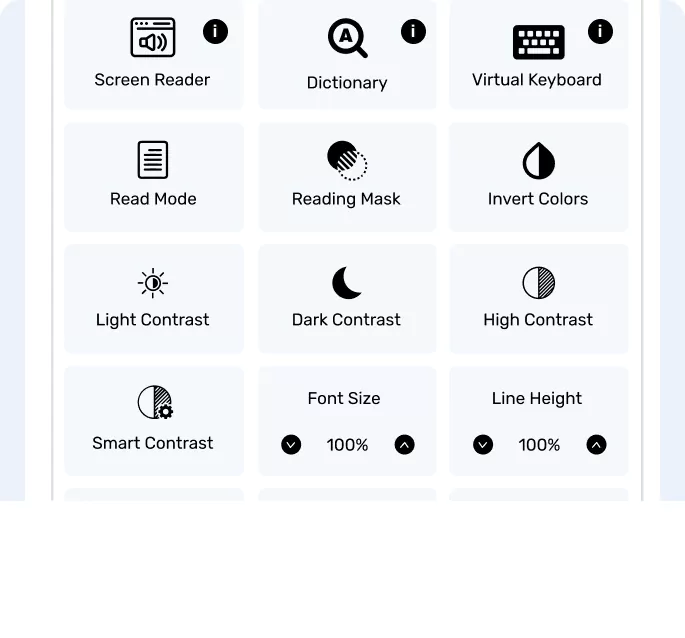
How to remove Skynet Technologies logo from an accessibility widget?
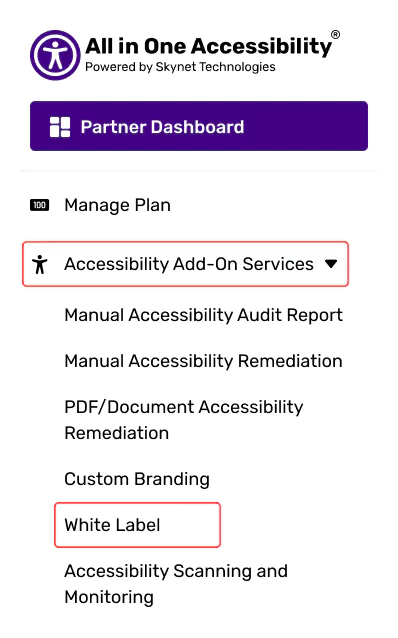
Login at the Agency Partner Dashboard.
Navigating “Accessibility Add-on Services”, select “White Label”, and activate it.
Once activated, it will remove the Skynet Technologies logo, all footer links, and support features like “Report a Problem”.