1. Home
  2. Agency Partners
  3. update credit card

How to add / update credit card?

  1. Login at the Agency Partner dashboard.

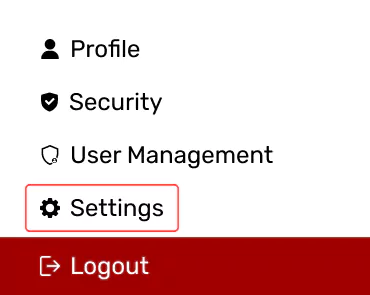
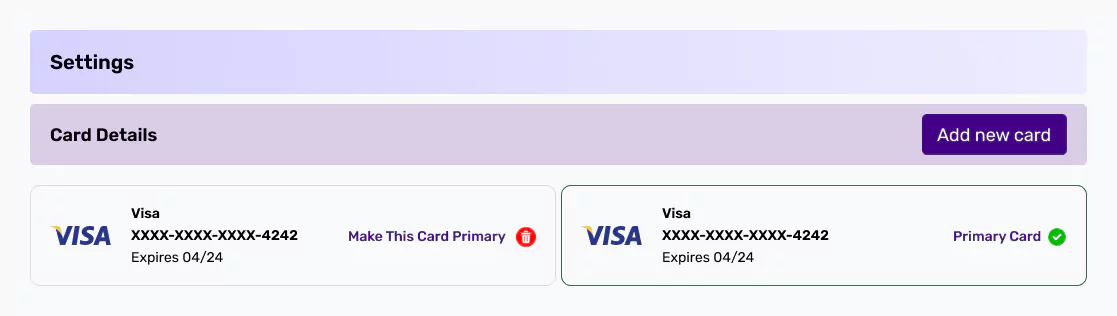
  2. From the “Settings”, “Add New Card.”
    Select Settings from sidebar menu

    Add new payment card option

Related Articles

  • How to add client’s website / domain on the partner dashboard?

  • How to replace Skynet Technologies logo with our company’s logo on the accessibility widget?

  • How to remove Skynet Technologies logo from an accessibility widget?

  • How to change or update widget settings separately for each client's website?

  • How to manage billing for multiple client websites?

  • How to download the invoice?

  • How to view subscription plan details for each client?

  • How to change client website domain?

  • How to cancel client subscription plan?

  • How to add (EU / UK) VPAT number?