How to set up IP based login for an accessibility dashboard?
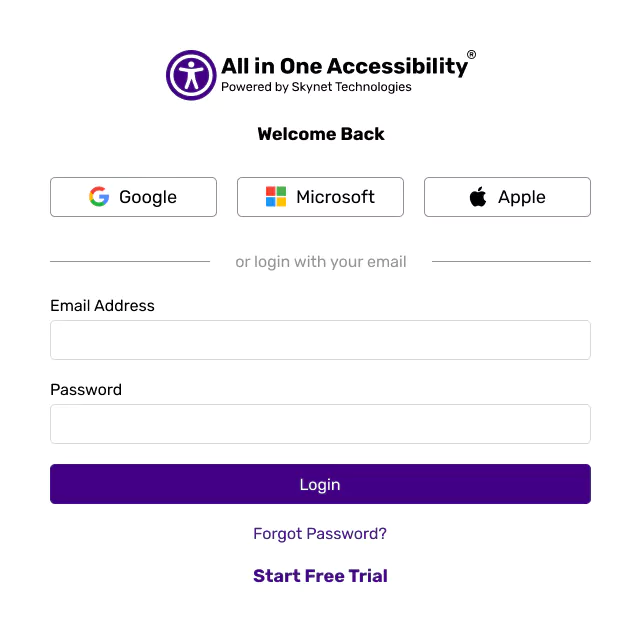
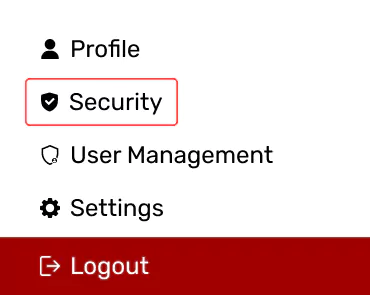
After logging in to the accessibility dashboard, click on the Security under the profile.
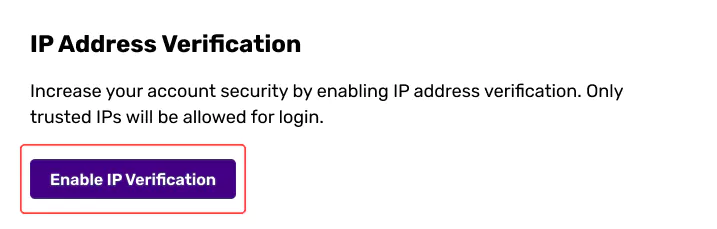
Under the IP Addresses, click on the “Enable IP Verification”.
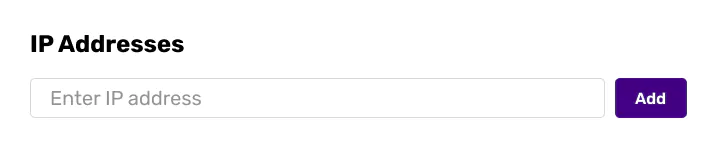
Add IP Address. It allows to add multiple IP addresses as well.