How to change the voice of a screen reader?
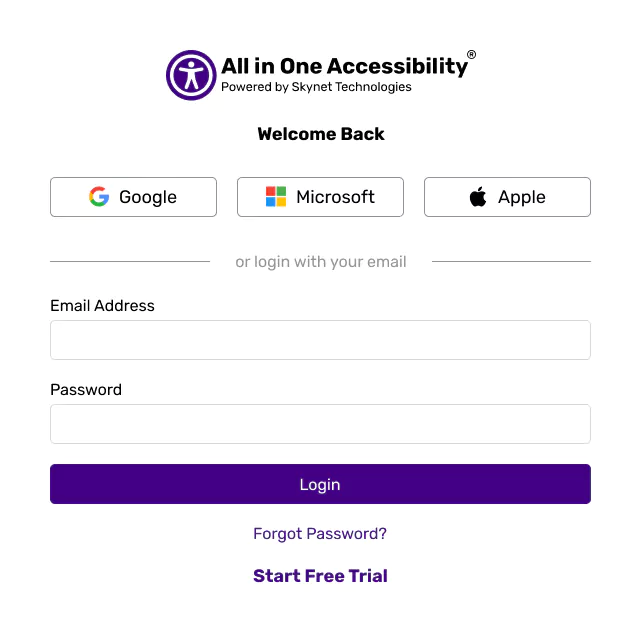
Login at accessibility dashboard.
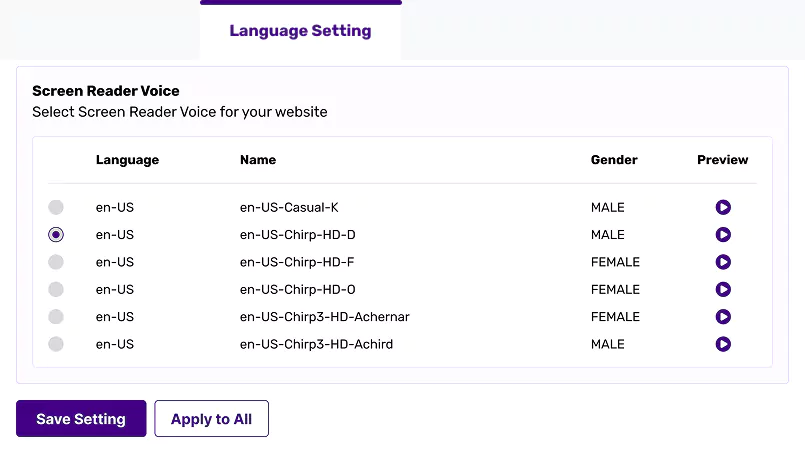
From the Widget Setting, select “Language Setting”, under the “Screen Reader Voice”, select the preferred one, and save setting.
Login at accessibility dashboard.
From the Widget Setting, select “Language Setting”, under the “Screen Reader Voice”, select the preferred one, and save setting.