How to request PDFs / documents accessibility remediation from the dashboard?
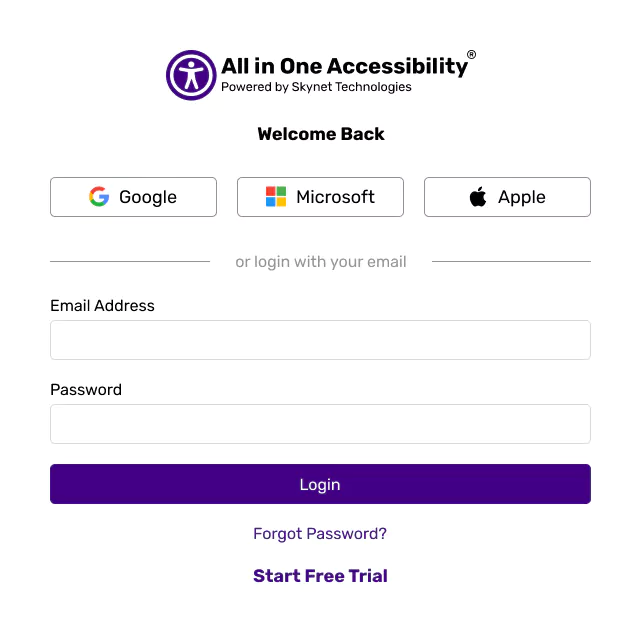
Login at All in One Accessibility Dashboard.
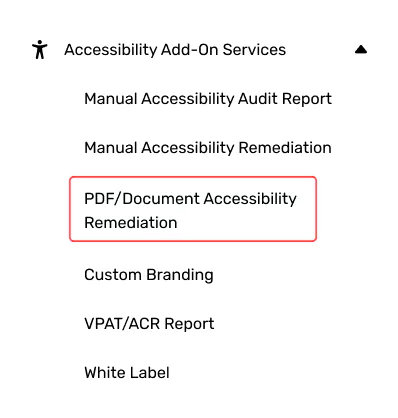
Expand “Accessibility Add-On Services”, select “PDF / Document Accessibility Remediation”.
Review the list of inaccessible PDFs and documents detected on the website. Select those to remediate.
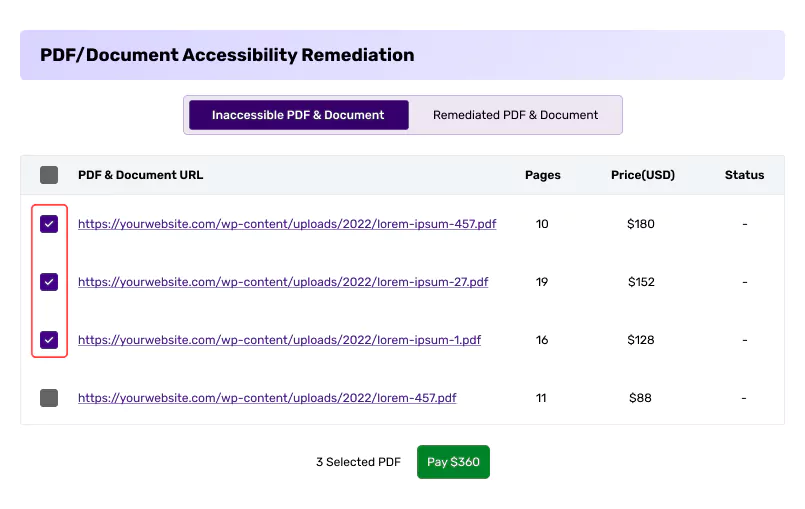
Proceed with payment to submit the request. Once the payment is completed, the remediation process will begin. An email notification will be sent once accessible PDFs or documents are ready.
Once the payment is completed, the remediation process will begin. An email notification will be sent once accessible PDFs or documents are ready.