1. Home
  2. Agency Partners
  3. replace company logo at accessibility widget

How to replace Skynet Technologies logo with our company’s logo on the accessibility widget?

  1. Login at the Agency Partner Dashboard.

  2. Navigating “Accessibility Add-on Services”, and select “Custom Branding”.
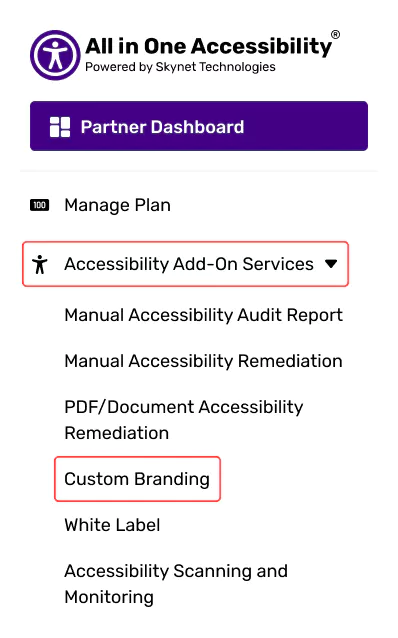
    All in One Accessibility dashboard with add-on services, custom branding, and settings menu

  3. Activate it.

    Custom Branding Services page showing active status and service controls

  4. Upload the agency or company logo and save it.
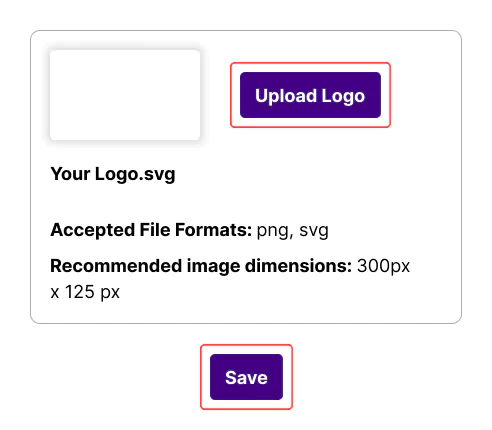
    Logo upload interface with file specifications and save option

  5. Once configured, the logo will appear in the widget footer.
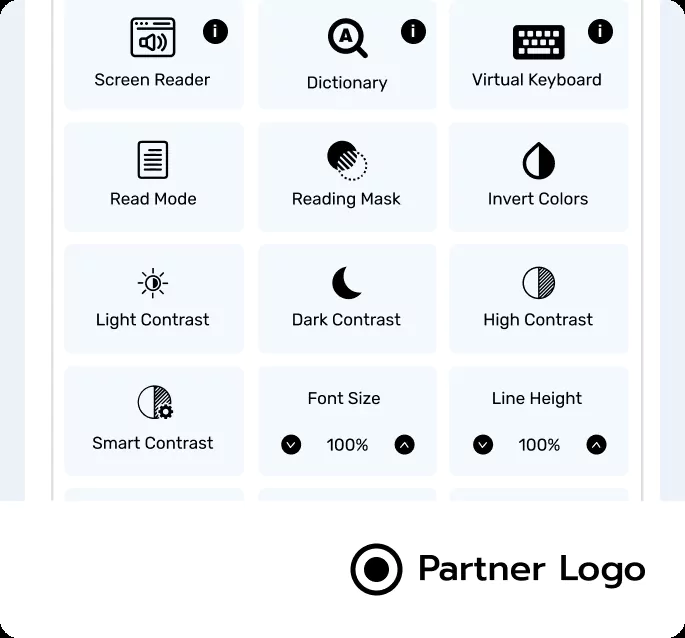
    Logo shown in accessibility widget footer after setup

Related Articles

  • How to add client’s website / domain on the partner dashboard?

  • How to remove Skynet Technologies logo from an accessibility widget?

  • How to change or update widget settings separately for each client's website?

  • How to manage billing for multiple client websites?

  • How to download the invoice?

  • How to view subscription plan details for each client?

  • How to change client website domain?

  • How to cancel client subscription plan?

  • How to add / update credit card?

  • How to add (EU / UK) VPAT number?
