How to invite team members to the accessibility dashboard?
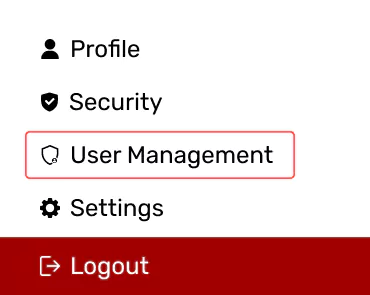
After logging in to the accessibility dashboard, click on the “User Management” under profile.
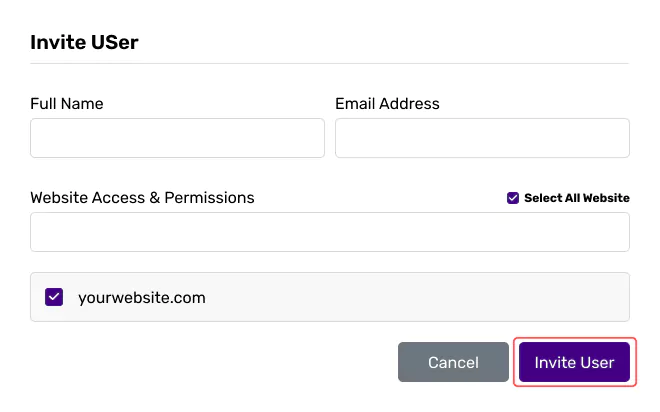
Click “Invite User”, Enter Full Name, Email, Website Access & Permissions. Send the invitation.
After logging in to the accessibility dashboard, click on the “User Management” under profile.
Click “Invite User”, Enter Full Name, Email, Website Access & Permissions. Send the invitation.