How to get the embed code and license key for the All in One Accessibility?
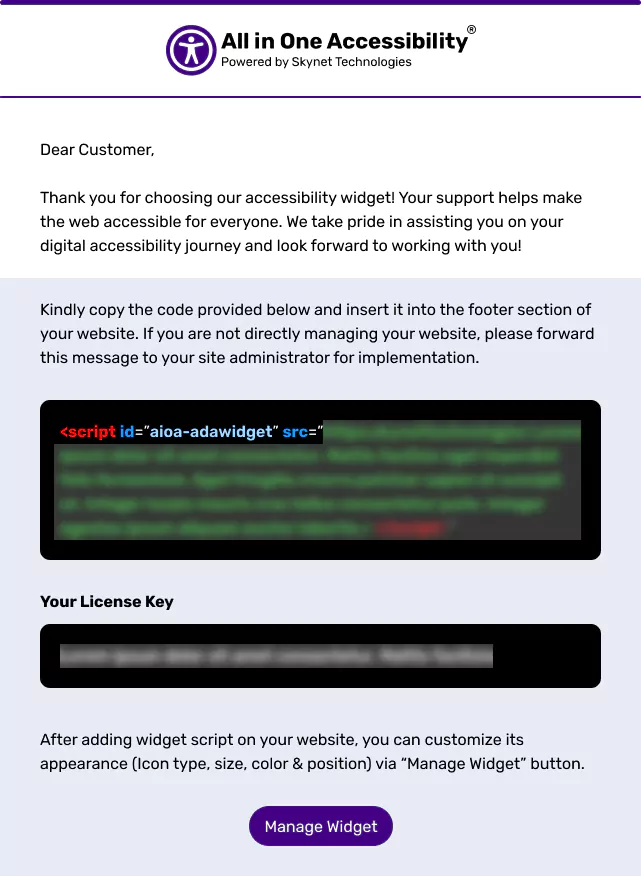
The integration code and license key are automatically sent via email after the signup process is completed.
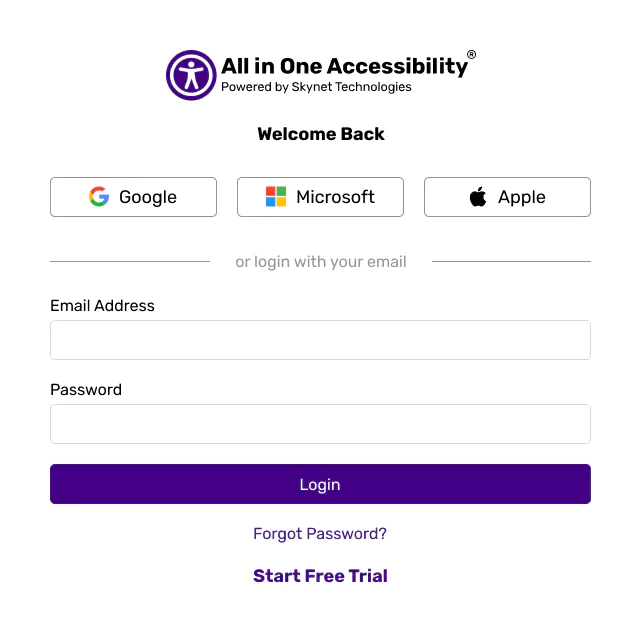
Alternatively, Login at accessibility dashboard.
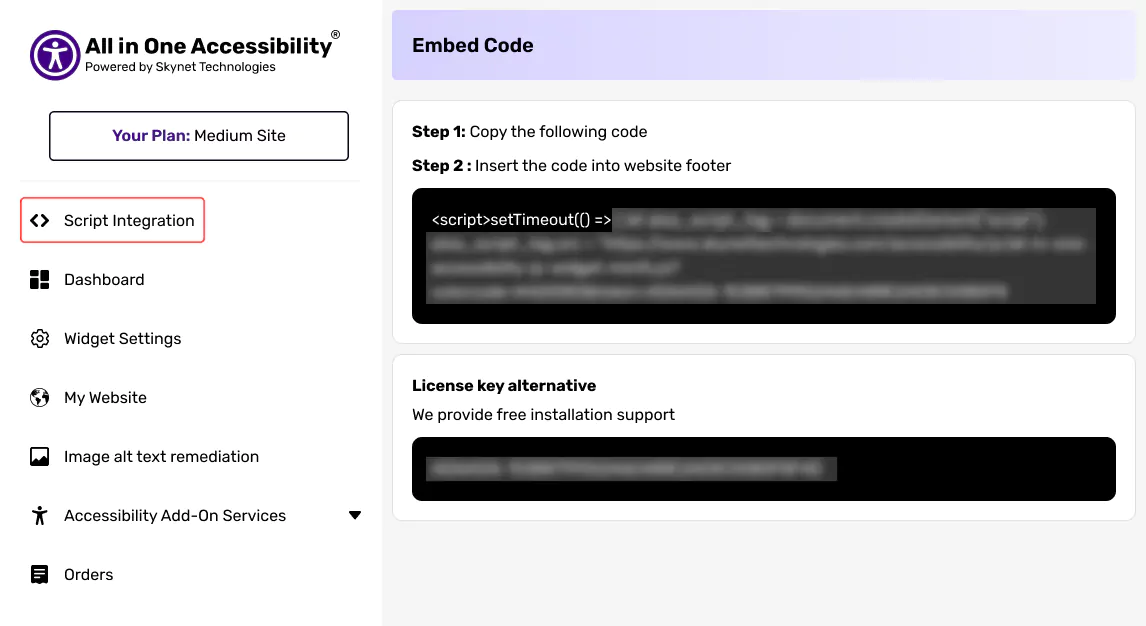
Select Script Integration and Find the embed code and license key.