How to enable white label subscription?
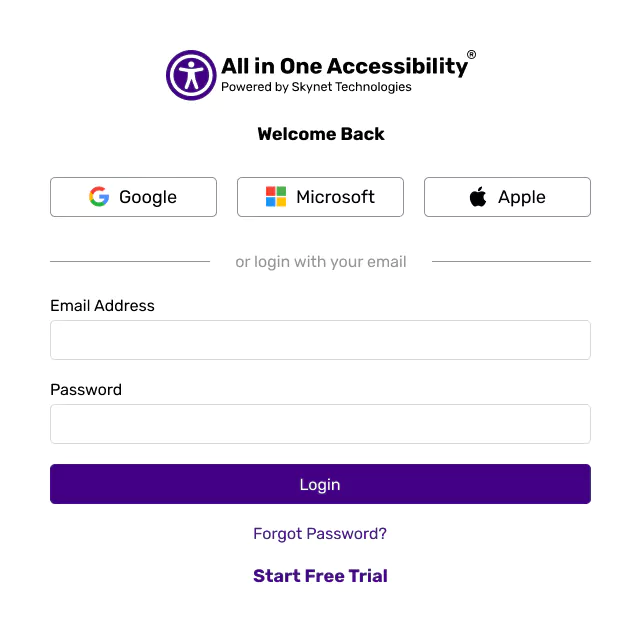
Login at Accessibility dashboard.
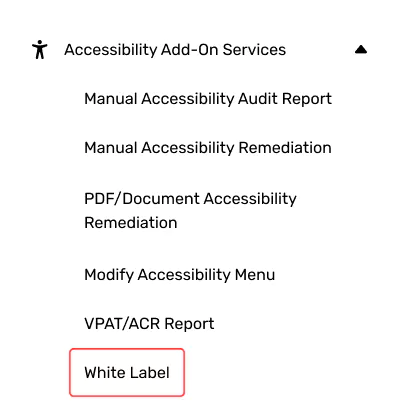
From Accessibility Add-On Services, select “White Label”.
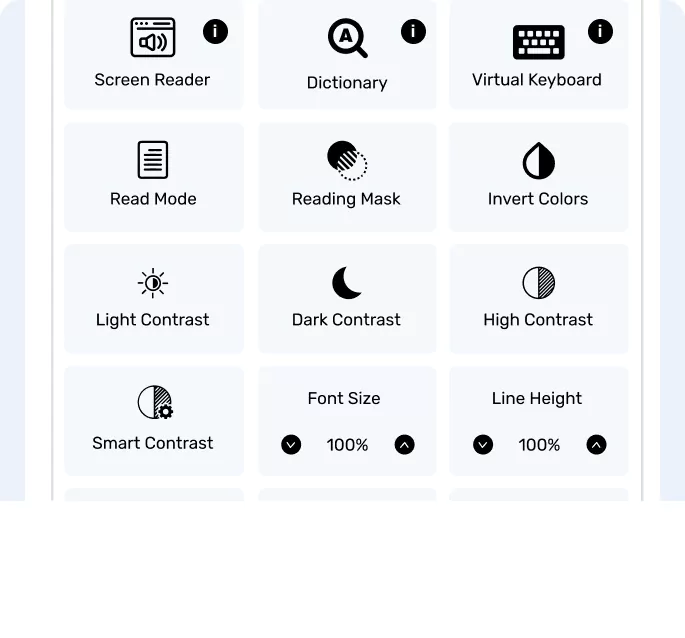
Enable it. Refresh the website or clear browser cache to view the changes.
Login at Accessibility dashboard.
From Accessibility Add-On Services, select “White Label”.
Enable it. Refresh the website or clear browser cache to view the changes.