How to enable two factor authentication?
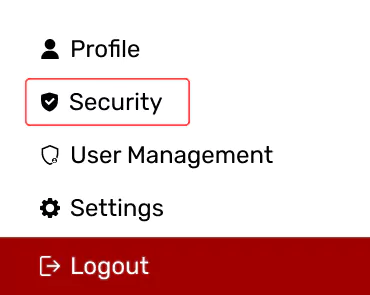
Once logged in to accessibility dashboard, click on the “Security” under profile.
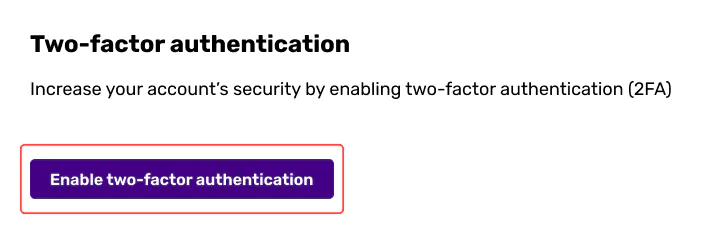
Under Two-factor authentication option, enable it. Register with a one-time password authenticator.
Once logged in to accessibility dashboard, click on the “Security” under profile.
Under Two-factor authentication option, enable it. Register with a one-time password authenticator.