How to enable the Modify Accessibility Menu Add-on?

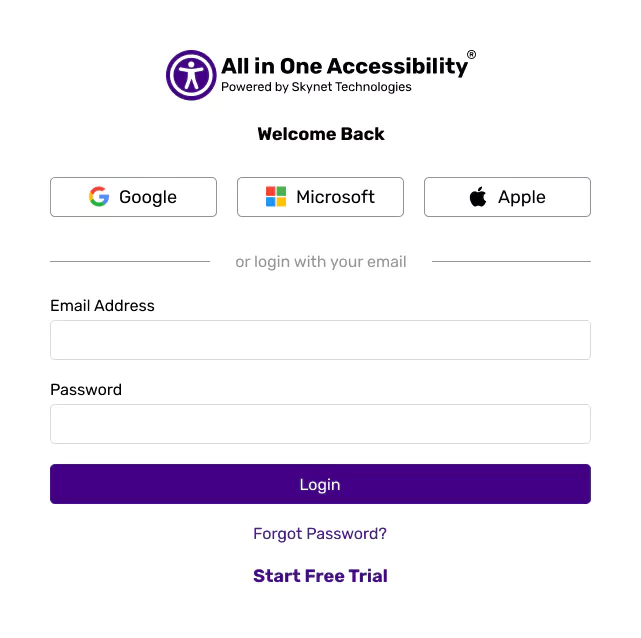
  1. Login at accessibility dashboard.

    All in One Accessibility Login Interface with Google, Microsoft, Apple, email sign-in, and password recovery options.

  2. Expand Accessibility Add-on Services, Select Modify Accessibility Menu monthly or yearly plan and complete the purchase.
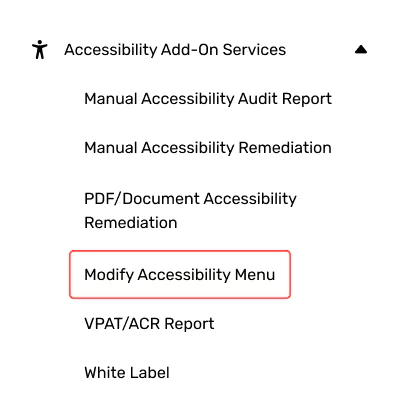
    Menu titled Accessibility Add-On Services with highlighted Modify Accessibility Menu

  3. Once enabled, customize it directly from the dashboard.
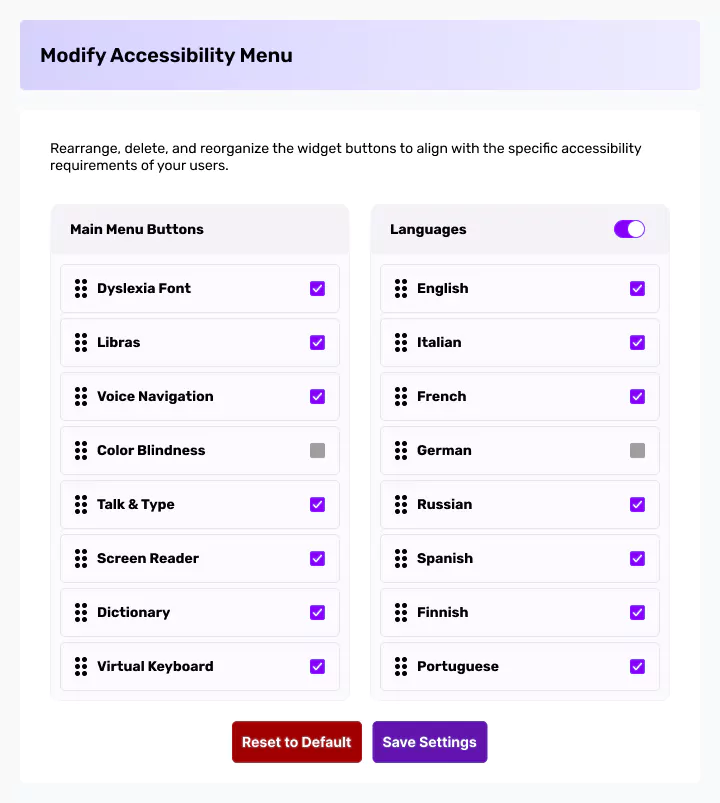
    Accessibility menu interface with options for features and languages, including checked and unchecked boxes.