How to enable Live Language Translation?
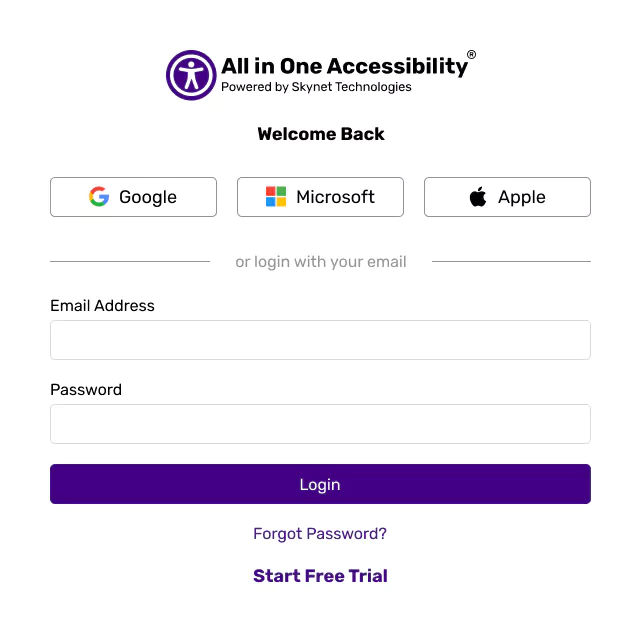
Login at the accessibility dashboard.
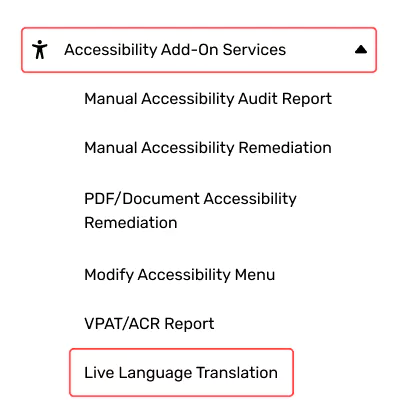
Go to Add-ons.
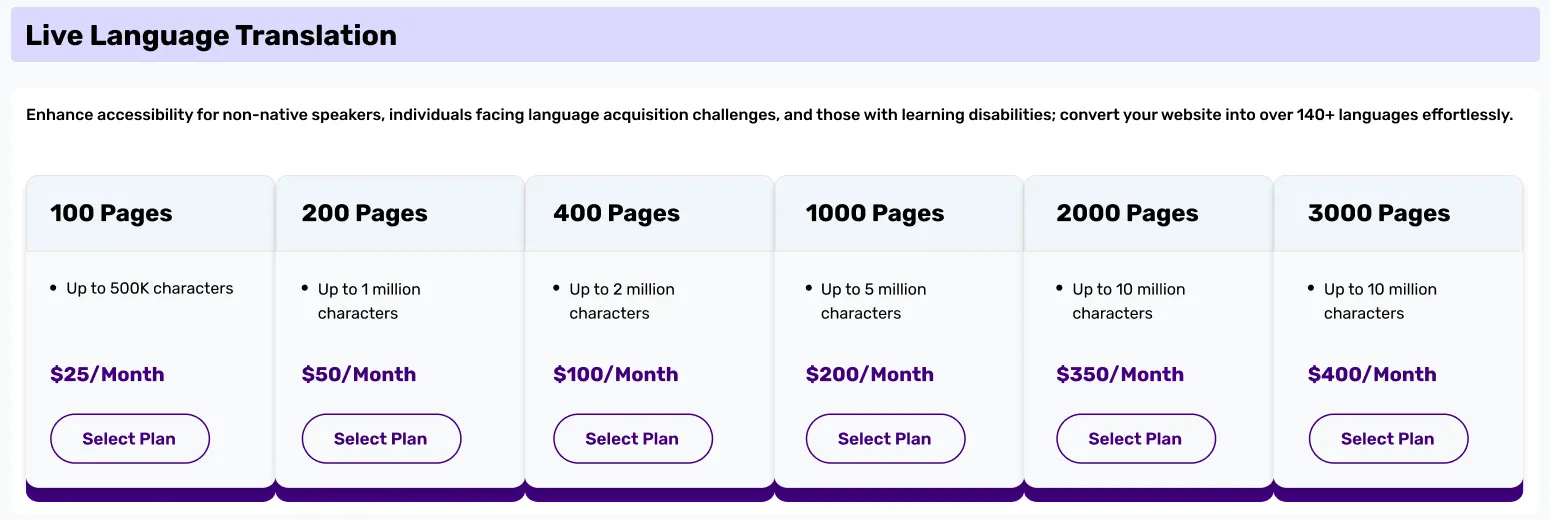
From the add-ons, Select the Live Language Translation plan that best fits requirements.
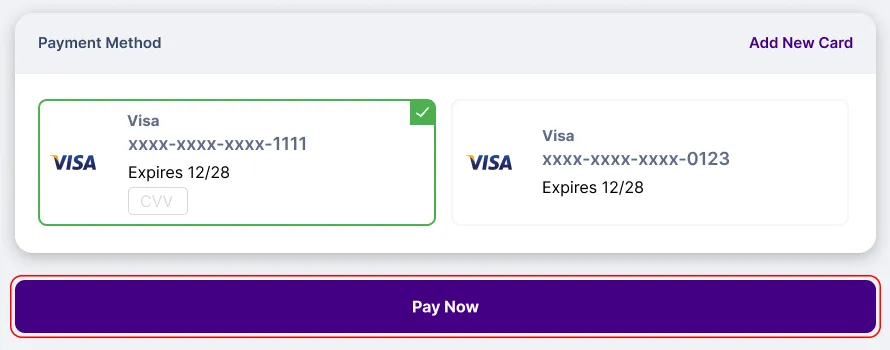
Complete the payment process, and active it.
Login at the accessibility dashboard.
Go to Add-ons.
From the add-ons, Select the Live Language Translation plan that best fits requirements.
Complete the payment process, and active it.