How to disable the widget open and close sound?
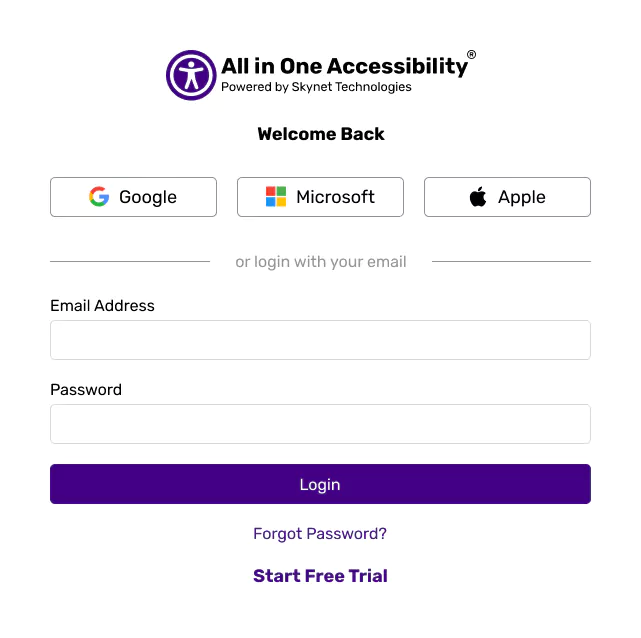
Login at accessibility dashboard.
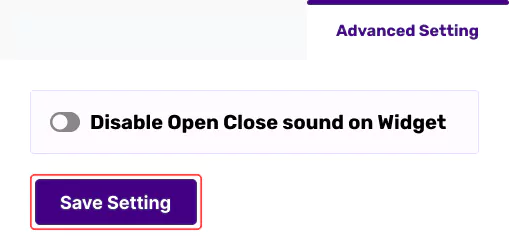
From the Widget Setting, select “Advanced Setting”, turn on “Disable Open Close Sound on Widget”, and save setting.
Login at accessibility dashboard.
From the Widget Setting, select “Advanced Setting”, turn on “Disable Open Close Sound on Widget”, and save setting.