1. Home
  2. Widget Settings
  3. custom accessibility widget colors

How to customize the accessibility widget color to match the brand?

  1. From the Widget Setting section, Under “Appearance Design”, customize the widget color to align with brand guidelines while maintaining accessibility best practices.
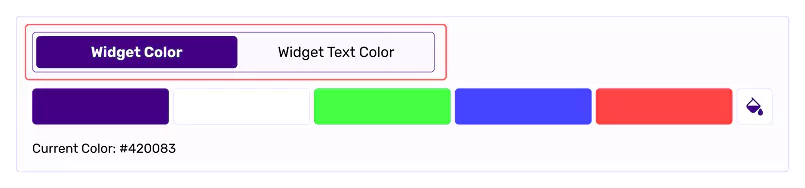
    Accessibility dashboard with widget color settings.

Related Articles

  • How to customize the look and feel of the accessibility widget?

  • How to set a different accessibility widget size for mobile and desktop?

  • How to change the position of the accessibility widget?

  • How to set up a custom button or link to open the accessibility widget?

  • How to set a default language for the accessibility widget?

  • How to change the screen reader voice?

  • How to update the accessibility statement page link in the widget?

  • How to connect Google Analytics 4 with All in One Accessibility?