How to add custom trigger for the accessibility widget?
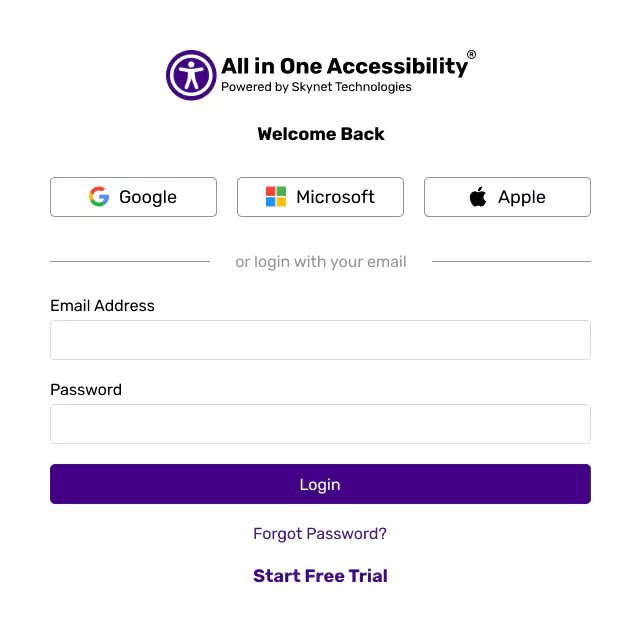
Login at accessibility dashboard.
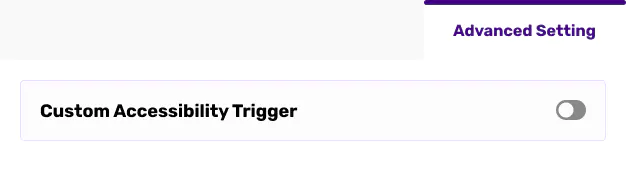
From the Widget Setting, select “Advanced Setting”, and enable “Custom Accessibility Trigger”.
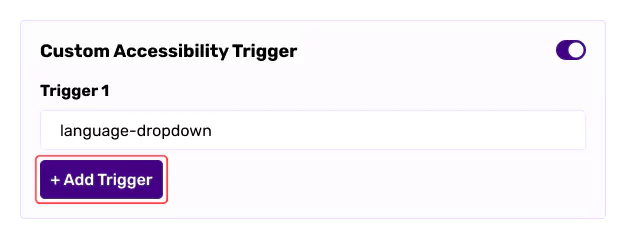
Add Custom Trigger ID, Class, or XPath. For multiple triggers, click on “AddTrigger”. Save Setting.
Once configured, users can open the accessibility widget through the specified website element.