1. Home
  2. Agency Partners
  3. add client website to partner dashboard

How to add client’s website / domain on the partner dashboard?

  1. Login at the Agency Partner Dashboard.
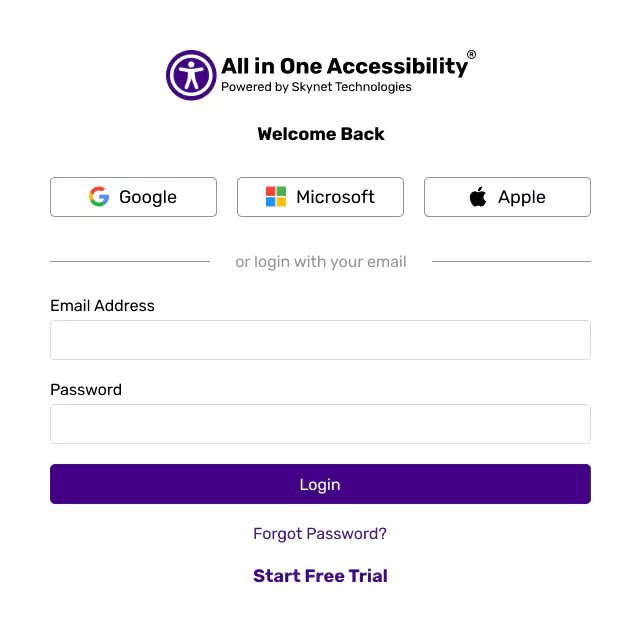
    All in One Accessibility login page with multiple sign-in options.

  2. Click on “Add New Domain”.

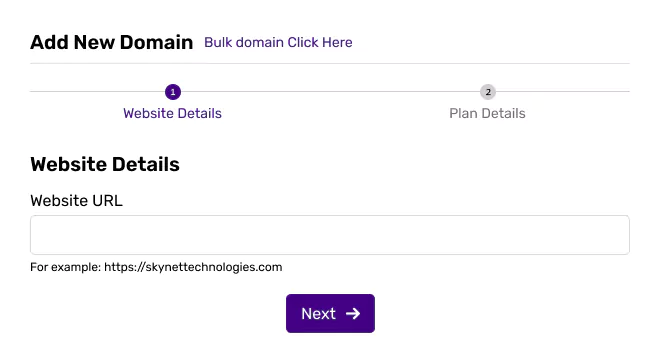
    Add website domain for accessibility setup

  3. Enter the Website URL.

    Website details form for adding a new domain with URL field and Next button

  4. Select the preferred plan or start a free trial.
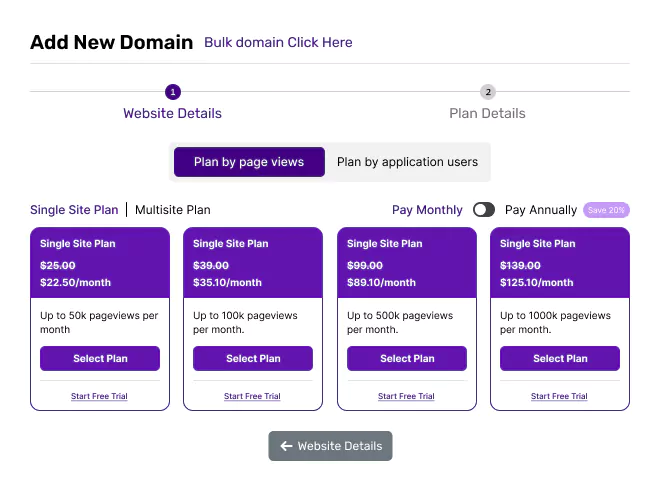
    Subscription plans for single-site domains with monthly or annual billing

  5. Once the purchase is completed, the website will start showing in partner dashboard.
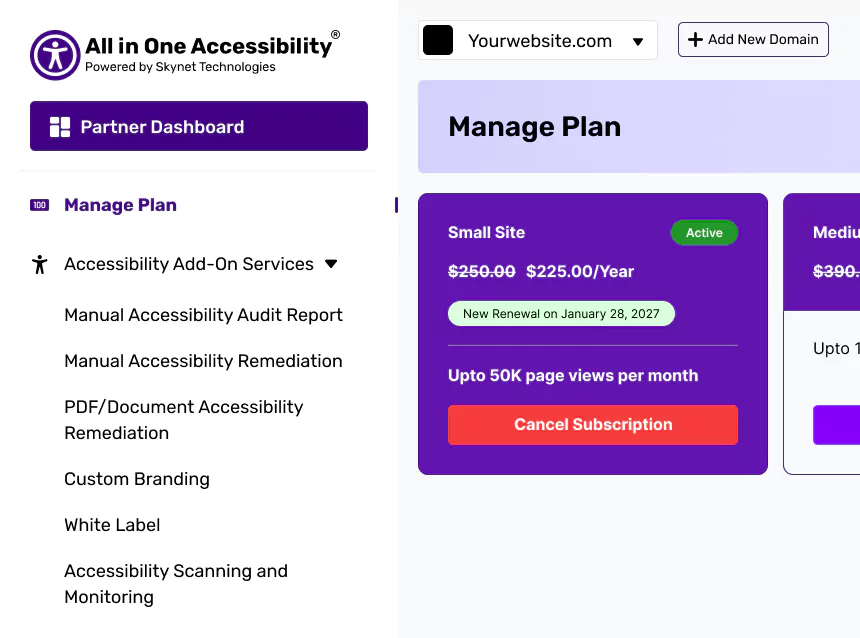
    User dashboard with site plan information, pricing, and renewal date

Related Articles

  • How to replace Skynet Technologies logo with our company’s logo on the accessibility widget?

  • How to remove Skynet Technologies logo from an accessibility widget?

  • How to change or update widget settings separately for each client's website?

  • How to manage billing for multiple client websites?

  • How to download the invoice?

  • How to view subscription plan details for each client?

  • How to change client website domain?

  • How to cancel client subscription plan?

  • How to add / update credit card?

  • How to add (EU / UK) VPAT number?