How to connect Google Analytics 4 with All in One Accessibility?
From the Widget Setting, select “Analytics Integration”, enter the GA4 measurement id (format: G-XXXXXXXXXX), and save setting.
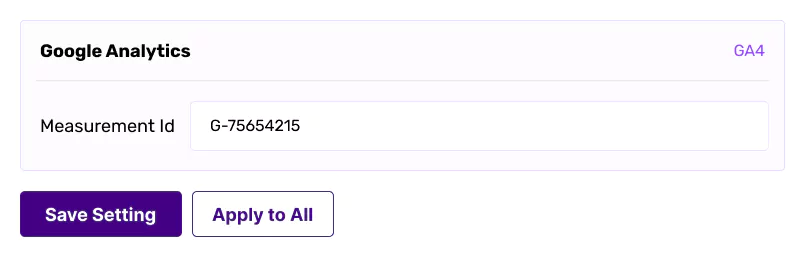
From the Widget Setting, select “Analytics Integration”, enter the GA4 measurement id (format: G-XXXXXXXXXX), and save setting.